
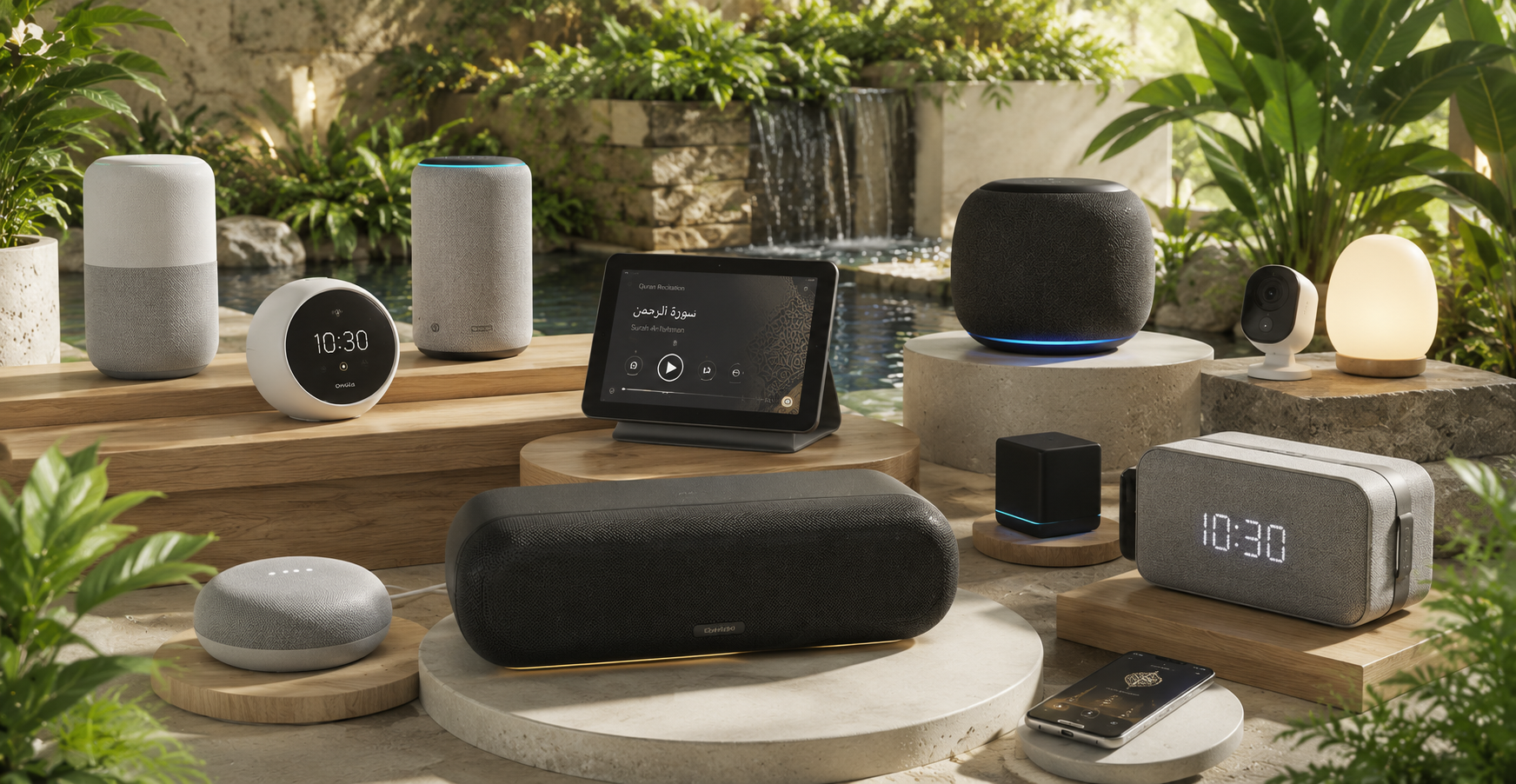
Choose where Azan & Quran audio plays
Every call to prayer — on the best speaker in the room, at perfect quality.
وَإِذَا قُرِئَ ٱلْقُرْءَانُ فَٱسْتَمِعُوا۟ لَهُۥ وَأَنصِتُوا۟ لَعَلَّكُمْ تُرْحَمُونَ
And when the Qur'an is recited, then listen to it and pay attention that you may receive mercy.
Surah Al-A'raf (7:204)

Audio Output
System Default
Used for Azan auto-playback, Quran tilawat, and previews.
RecommendedCast to Chromecast, Google Home & Nest
Desktop app onlyDiscovering and streaming Azan & Quran to Chromecast, Google Home, Nest and other Wi-Fi speakers on your network needs the ISMAA Desktop app — a web browser can't scan your local network for these devices.
Download Desktop AppDetected on this PC
0 audio devices detected - select your preferred device.
No outputs detected yet.
Bluetooth earbuds must be Connected (not just Paired) in Windows, then click Rescan.Other devices on your account
Best Audio Quality
Crystal clear sound for deeper khushu'
Low Latency
Minimal delay for perfect sync
Background Playback
Azan & Quran continue even when screen is off.
Bluetooth Tips
Keep devices close for stable connection
Need Help?
Audio issues or setup help? We're here for you!